AI Search Optimization for ChatGPT, Gemini & Perplexity — Learn how we get you cited →

Conversion Tracking Setup You Can Actually Trust

If your ad platforms cannot see which clicks become customers, they optimise for the wrong people. We set up clean GA4 events, Google Ads enhanced conversions, the Meta Conversions API, call and form tracking, and import closed deals from your CRM, so every channel is measured on real revenue.

  • GA4 events
  • Google Ads
  • Meta CAPI
  • Offline conversions
  • Audited before we change anything
  • Consent mode and privacy built in
  • Documented tracking plan
GA4clean events and
key conversions
CAPIserver-side Meta
tracking
Callstracked by source
and keyword
Offlineclosed deals sent
back to ads
1documented
tracking plan
1,000+business audits
delivered

Find out what your tracking is getting wrong

Enter your email and website. We check GA4, Google Tag Manager, Google Ads and Meta for duplicate, missing and broken conversions, call and form tracking, consent setup and CRM attribution, then send a prioritised fix list with a fixed quote. Free, in 48 hours.

  • Duplicate and missing conversions
  • Calls, forms and chat tracking
  • Consent mode and privacy setup
  • CRM and offline attribution gaps
Prefer to talk it through? Book a Strategy Call

Bad tracking quietly wastes your ad budget

Duplicate form events, page views counted as leads, calls that are never tracked, and no link between ad clicks and closed deals. Most accounts we audit have at least one of these problems, and every one of them teaches the ad algorithms the wrong lesson.

Accurate conversion tracking does two jobs. It shows you which channels really bring customers, and it feeds the ad platforms the right signals so smart bidding finds more people like your best customers.
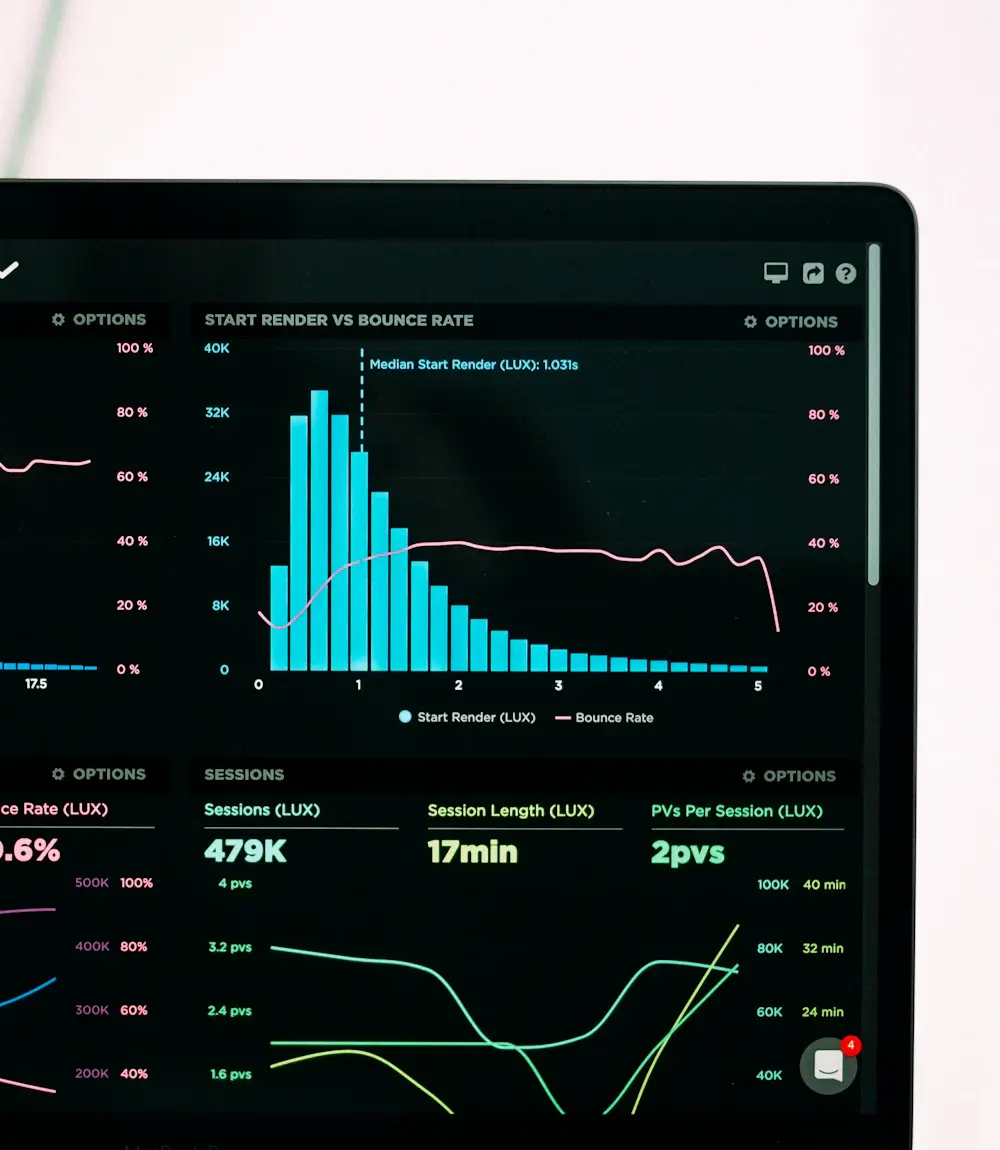
Marketing performance analytics and conversion graphs on a laptop screen

Ad platforms optimise for whatever you tell them is a conversion. Make sure it is a real one.

Why tracking matters
1xeach conversion counted once, not twice
100%of key actions tracked: forms, calls, chats, bookings
Serverside signals that survive browser privacy limits
CRMclosed deals fed back to Google and Meta

Conversion tracking we set up

A complete measurement setup, from the first click to the closed deal.

01

GA4 setup and clean-up

  • Event plan and naming
  • Key conversions configured
  • Cross-domain and filters
  • Duplicate events removed
02

Google Tag Manager

  • Organised container
  • Form, click and scroll triggers
  • Data layer for key actions
  • Version notes for every change
03

Google Ads conversions

  • Primary vs secondary goals
  • Enhanced conversions
  • Conversion values
  • Call conversions from ads
04

Meta Pixel and CAPI

  • Server-side Conversions API
  • Event deduplication
  • Event match quality improved
  • Aggregated event setup
05

Call, form and chat tracking

  • Dynamic call tracking numbers
  • Form submissions by form
  • Chatbot and booking events
  • Source and keyword on each lead
06

Offline and CRM conversions

  • GCLID and click IDs stored
  • Qualified and won deals imported
  • Values from real revenue
  • Consent mode v2 compliant

From ad click to closed deal

We connect the whole journey. The click ID is captured on your site, stored with the lead in your CRM, and when the deal is won, the result is sent back to Google Ads and Meta so they can find more customers like it.

  • Click IDs and UTMs captured on every form
  • Lead source saved in the CRM
  • Qualified and won stages mapped
  • Offline conversions uploaded automatically
  • Values based on real revenue
  • Reports that match your sales
Live on this website

We track our own leads the same way

On dexoradigital.com, every lead email tells us exactly which page and which form it came from, and every enquiry is recorded with its source. It is the same standard we set up for clients.

What to tryOnline now
  • Page and form name on every lead notification
  • Source and campaign stored with each enquiry
  • Chat, form and booking leads tracked separately
  • Search Console and analytics checked before every change

Conversion tracking: the complete guide

What to track, how server-side and offline tracking work, and the mistakes we fix most often.
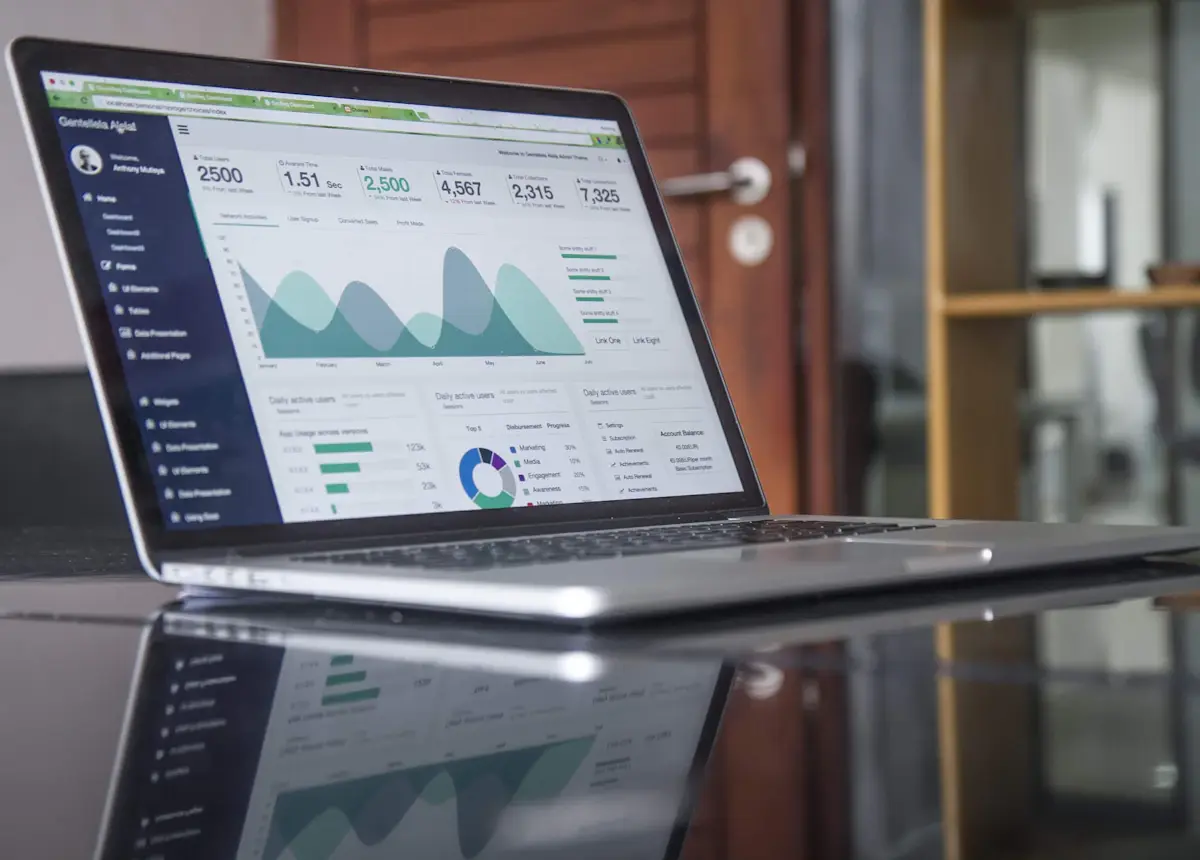
Laptop showing website traffic and conversion reports
GA4clean events and
key conversions

What is conversion tracking?

Conversion tracking records the actions that matter to your business, such as a form submission, phone call, booking, chat lead or purchase, and connects each one to where the visitor came from. It powers two things: your own reporting (which channels work) and the ad platforms' automated bidding (who to show your ads to).

Good tracking separates primary conversions (real leads and sales you want to bid on) from secondary signals (page views, scrolls, clicks) that are useful for analysis but should never be counted as leads.

The tracking mistakes we fix most often

  • Double counting: a form tracked by GA4, Google Ads and a thank-you page view at the same time.
  • Wrong goals: page views or button clicks set as primary conversions, so ads optimise for browsers instead of buyers.
  • Calls not tracked: for service businesses, often half the leads.
  • No deduplication between the Meta Pixel and the Conversions API.
  • No link to revenue: the CRM knows who became a customer, but the ad platforms never find out.
  • Consent not configured, so data is lost or collected without permission.

Server-side tracking and the Meta Conversions API

Browser privacy features and ad blockers stop many pixel events from reaching ad platforms. Server-side tracking sends conversion events from a server (or directly from your CRM or website backend) instead of only from the visitor's browser. For Meta this is the Conversions API (CAPI); for Google it includes enhanced conversions and server-side tagging.

Done properly, events are deduplicated so nothing is counted twice, matched using hashed customer details the user has provided, and respect consent choices. The result is more complete data and better ad optimisation.

Offline conversion tracking: connecting ads to revenue

Most service and B2B sales close offline: on a call, at a visit or after a proposal. Offline conversion tracking captures the click ID when the lead arrives, stores it in your CRM and sends the result back to Google Ads or Meta when the lead qualifies or the deal is won, including the real value.

This lets you bid for qualified leads and revenue instead of form fills, which usually means fewer junk leads and a lower real cost per customer. It pairs naturally with our CRM and lead tracking setup.

Privacy, consent and compliance

We configure Google Consent Mode v2 and your cookie banner so tags behave according to each visitor's choice, hash any personal data before it is sent, and only collect what is needed. For EU and UK visitors this is essential under GDPR; for everyone it builds trust.

Do you need a tracking setup or fix?

If you spend on ads or cannot say which channel brings customers, the answer is almost certainly yes.

You need this if you

  • Run Google Ads or Meta Ads
  • Get many leads by phone
  • See conversion numbers that do not match your sales
  • Close deals offline after a call or visit
  • Recently moved to GA4 or a new website

You may not need it yet if you

  • Do not run ads and have very few leads
  • Sell only through marketplaces you do not control
  • Have no website forms, calls or bookings to track
  • Already have audited, server-side tracking
  • Will not act on the data

Tracking setups by business type

The right conversions depend on how you sell.

Local service businesses

  • Call tracking by campaign
  • Quote forms and bookings
  • Booked jobs as offline conversions

eCommerce

  • Purchases with values
  • Enhanced ecommerce events
  • Meta CAPI for Shopify or WooCommerce

Law and professional

  • Qualified consultations
  • Signed cases fed back to ads
  • Call intake outcomes

B2B and SaaS

  • Demo requests and trials
  • SQLs and won deals from the CRM
  • Pipeline value by channel

Clinics

  • Appointment bookings
  • New vs returning patients
  • Privacy-safe event design

Chat and AI agents

  • Chatbot lead events
  • Voice agent bookings
  • Source on every conversation
Platforms we work with
  • GA4
  • Google Tag Manager
  • Server-side GTM
  • Google Ads
  • Meta Pixel & CAPI
  • Microsoft Ads
  • LinkedIn Insight
  • CallRail
  • WhatConverts
  • HubSpot
  • GoHighLevel
  • Shopify
  • WooCommerce
  • Looker Studio

How we fix your tracking

Audit first, then a clear plan, then implementation you can verify.

  1. 1Week 1

    Tracking audit

    We review GA4, Tag Manager, ad accounts and CRM and list every gap, duplicate and risk.

  2. 2Week 1

    Measurement plan

    We agree which actions count as conversions, their values and how each is captured.

  3. 3Week 2-3

    Implement and verify

    We build tags, server-side events and CRM imports, then test every conversion end to end.

  4. 4Ongoing

    Monitor

    We check conversion health monthly and after site or campaign changes.

What drives the cost

Fixed-price audit and implementation, scoped to your channels.

Number of platforms

GA4 and Google Ads only is a smaller job than GA4, Google, Meta, Microsoft and LinkedIn together.

Server-side and CAPI

Server-side tagging and the Conversions API add setup, hosting and testing, but recover lost signals.

CRM and offline import

Connecting won deals back to ad platforms depends on your CRM, sales stages and data quality.

Server-side tagging may involve a small monthly hosting cost, paid directly to the provider.

Professional tracking vs default setups

Ad platforms make it easy to add a tag. Making the data accurate is the real work.

Dexora conversion tracking compared with default plugin setups and no tracking
What you getDexora tracking setupDefault plugin setupNo proper tracking
Counted onceDeduplicatedOften doubledUnknown
Calls and chats trackedYesRarelyNo
Server-side signalsIncluded where usefulBrowser onlyNo
Revenue fed back to adsOffline importNoNo
Consent modeConfiguredPartialNo
DocumentationTracking planNoneNone

Trusted by 500+ businesses

From engineering firms and law practices to eCommerce brands and local service companies.
What business owners say about us

Trusted by businesses across the United States, United Kingdom, Australia, Canada and Finland.

"Dexora Digital took over our SEO, website development, and digital marketing in early 2025 and delivered outstanding results. The new pages they created are professionally designed, SEO-focused, and highly effective at converting visitors into quality leads. Our content now generates over 8,000 AI citations per month."

Sonny Patel
Sonny Patel PECEO, Keentel Engineering

"Great experience from start to finish. The quality of the monthly local SEO, GEO, and AEO work is outstanding, and everything is handled with care and expertise. Communication is clear and professional. I genuinely enjoy collaborating with them and appreciate their long-term, results-driven approach. Highly recommended."

Julie Slagt
Julie SlagtAlpha Strategies Agency

"It is a pleasure to work with them. They are very knowledgeable and responsive. They did great job on our website redesign and AI search optimization."

Vince Sebald
Vince SebaldFounder & CEO, GxPReady

"Working with Taqweem has been a pleasure. He and his team are thoughtful and responsive about how they develop sites. Communication is continuous, and he listens intently. He is comfortable offering suggestions that enhance your ideas without increasing cost."

Tim Simon
Tim SimonSimons Group LLC

"I've been working with this team for about a year now. Every time I do a project they are responsive, respectful and deliver high quality work. I would recommend them to anyone needing their services."

Matt Mankse
Matt Mankse4BSF

"Exceptional service delivery and knowledge. I can highly recommend Dexora Digital SEO services. They developed the website for me and are now managing SEO with exceptional progress."
Richard Lloyd
Richard LloydMid-Century Furniture Restoration

"Professional, responsive, and highly knowledgeable. Dexora explained everything clearly and delivered exactly what was promised. Because of the experience, we moved forward with ongoing SEO services."

SKY
SKYLegend Movers 4 You

"They did an excellent job with my SEO. He clearly explained what he was doing, why it mattered, and delivered everything on time. The improvements he made were detailed and practical."

Nichol
NicholCedar Street Training

"I got a result that far exceeded my expectations, and I want to thank the team very much. They worked meticulously and understood our needs, delivering exactly what we wanted. I definitely recommend them."

Mehmat
MehmatCapital Kitchen & Bath

"I’m extremely impressed with the SEO work delivered. They were knowledgeable, responsive, and provided clear insights into how to improve our site ranking. They performed a detailed audit, optimized key pages, and gave actionable recommendations that actually made a difference."

Sandip Patel
Sandip PatelKeentel Engineering

"Professional, and he took his time to explain insights clearly."

Mixene
MixeneOne Way Cleaning

"Very thorough work with research and implications. Clear and concise formatting."

Michlic
MichlicFinnish Touch Enterprises

"Excellent customer service, great work. I will definitely use him again."

Teddy
TeddyTeddy’s Total Body

"Awesome team."

Matevesi
MatevesiPro Site Plans

Conversion tracking FAQs

GA4, Google Ads, Meta CAPI, server-side and offline tracking explained.
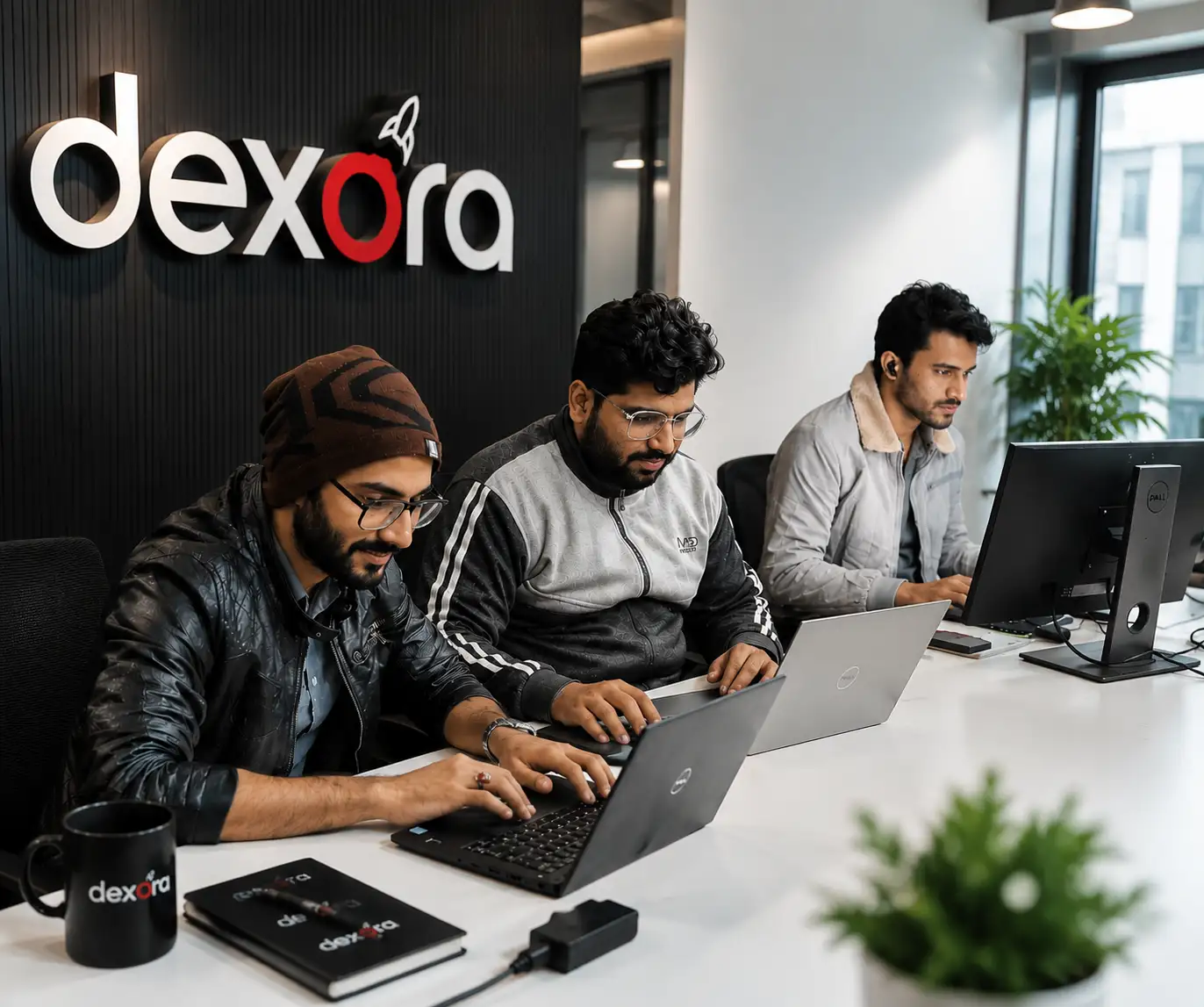
The Dexora Digital team at work
Question not answered here?Email ahmad@dexoradigital.com, we reply to every message.
Why do my Google Ads conversions not match my real leads?
The most common causes are duplicate tags, page views or clicks set as conversions, missing call tracking and no deduplication between tracking methods. An audit shows exactly which applies to your account.
What is the Meta Conversions API?
It sends conversion events from a server instead of only from the visitor's browser, so fewer events are lost to privacy settings and ad blockers. It is set up alongside the Meta Pixel with deduplication so nothing is counted twice.
What is server-side tracking and do I need it?
Server-side tracking sends events from a server you control rather than relying only on browser tags. It improves data completeness and control. It is most valuable if you spend meaningfully on ads or have many conversions.
What is offline conversion tracking?
It sends results that happen after the website, such as qualified leads or closed deals in your CRM, back to Google Ads or Meta using the original click ID, so the platforms can optimise for real customers and revenue.
Can you track phone calls?
Yes. We set up call tracking for calls from ads and from your website, with the source, campaign and keyword recorded, and import qualified calls as conversions.
Is conversion tracking GDPR compliant?
It can be. We configure Google Consent Mode v2 and your consent banner, hash personal data and only collect what is needed.
How much does a conversion tracking setup cost?
It depends on the number of platforms, whether server-side or CAPI is needed and how your CRM is set up. We give a fixed quote after a free tracking audit.
How long does it take?
Most setups take 1 to 3 weeks, including the audit, implementation and end-to-end testing.

Measure what matters. Spend where it works.

Start with a free tracking audit. We will show you what is missing, duplicated or misleading in your data and how to fix it, with a fixed quote.

ahmad@dexoradigital.com+1 (385) 885-5362USA · UK · Australia · Canada · Finland
Hi, I'm Dex Questions about SEO, AI search or your website? Ask me anything, or book a free strategy call with Taqweem.