A lead fills in a form. Someone copies it into the CRM, sends a welcome email, tells the right salesperson, adds a follow-up reminder and later re-types it into an invoice. Every copy is a delay and a chance for a mistake.
Workflow automation connects those tools so the data moves itself. Your team keeps doing the work that needs a human, and the rest happens in seconds, every time, even when everyone is busy.

If your team copies the same data between two tools every day, that is a workflow waiting to be automated.
The simple test we use
How to choose a platform, what to automate first and how to keep automations reliable.

Workflow automation (or business process automation) means connecting your software so that an event in one tool triggers actions in others without someone doing it by hand. A new form submission creates a CRM contact, assigns an owner, sends a reply and creates a follow-up task. A signed quote creates an invoice and a project. A paid invoice updates the deal and sends a thank-you.
Each automation is small. Together they remove hours of admin every week and, just as importantly, stop leads and jobs from falling through the gaps.
| Platform | Best for | Watch out for |
|---|---|---|
| Zapier | Simple, linear automations and the widest range of app integrations. Easy for teams to understand. | Costs rise quickly with high task volumes and multi-step logic. |
| Make.com | Visual, multi-branch workflows with data transformation at a lower cost per operation. | Complex scenarios need good structure and documentation. |
| n8n | Advanced logic, AI agents, custom code and self-hosting when data control matters. | Self-hosting needs maintenance; best with a technical partner. |
We are platform-neutral. If you already use one, we usually build there. If not, we recommend the one that fits your volume, budget and data needs, and explain why.
Start where time and money leak. We score each candidate workflow on three things: how often it happens, how long it takes by hand and what it costs when it goes wrong. In most small businesses the winners are:
AI is most useful as a step inside a workflow rather than as a separate tool. It can read an incoming email and decide what it is about, summarise a call transcript into CRM notes, extract fields from a PDF quote, score a lead from a free-text message or draft a reply for a human to approve. We keep humans in the loop for anything customer-facing until the results are proven.
Workflows are at their best when your CRM is set up properly. See CRM setup and lead tracking.
From engineering firms and law practices to eCommerce brands and local service companies.








































Trusted by businesses across the United States, United Kingdom, Australia, Canada and Finland.
"Dexora Digital took over our SEO, website development, and digital marketing in early 2025 and delivered outstanding results. The new pages they created are professionally designed, SEO-focused, and highly effective at converting visitors into quality leads. Our content now generates over 8,000 AI citations per month."

"Great experience from start to finish. The quality of the monthly local SEO, GEO, and AEO work is outstanding, and everything is handled with care and expertise. Communication is clear and professional. I genuinely enjoy collaborating with them and appreciate their long-term, results-driven approach. Highly recommended."

"It is a pleasure to work with them. They are very knowledgeable and responsive. They did great job on our website redesign and AI search optimization."

"Working with Taqweem has been a pleasure. He and his team are thoughtful and responsive about how they develop sites. Communication is continuous, and he listens intently. He is comfortable offering suggestions that enhance your ideas without increasing cost."

"I've been working with this team for about a year now. Every time I do a project they are responsive, respectful and deliver high quality work. I would recommend them to anyone needing their services."

"Exceptional service delivery and knowledge. I can highly recommend Dexora Digital SEO services. They developed the website for me and are now managing SEO with exceptional progress."

"Professional, responsive, and highly knowledgeable. Dexora explained everything clearly and delivered exactly what was promised. Because of the experience, we moved forward with ongoing SEO services."

"They did an excellent job with my SEO. He clearly explained what he was doing, why it mattered, and delivered everything on time. The improvements he made were detailed and practical."

"I got a result that far exceeded my expectations, and I want to thank the team very much. They worked meticulously and understood our needs, delivering exactly what we wanted. I definitely recommend them."

"I’m extremely impressed with the SEO work delivered. They were knowledgeable, responsive, and provided clear insights into how to improve our site ranking. They performed a detailed audit, optimized key pages, and gave actionable recommendations that actually made a difference."

"Professional, and he took his time to explain insights clearly."

"Very thorough work with research and implications. Clear and concise formatting."

"Excellent customer service, great work. I will definitely use him again."

"Awesome team."

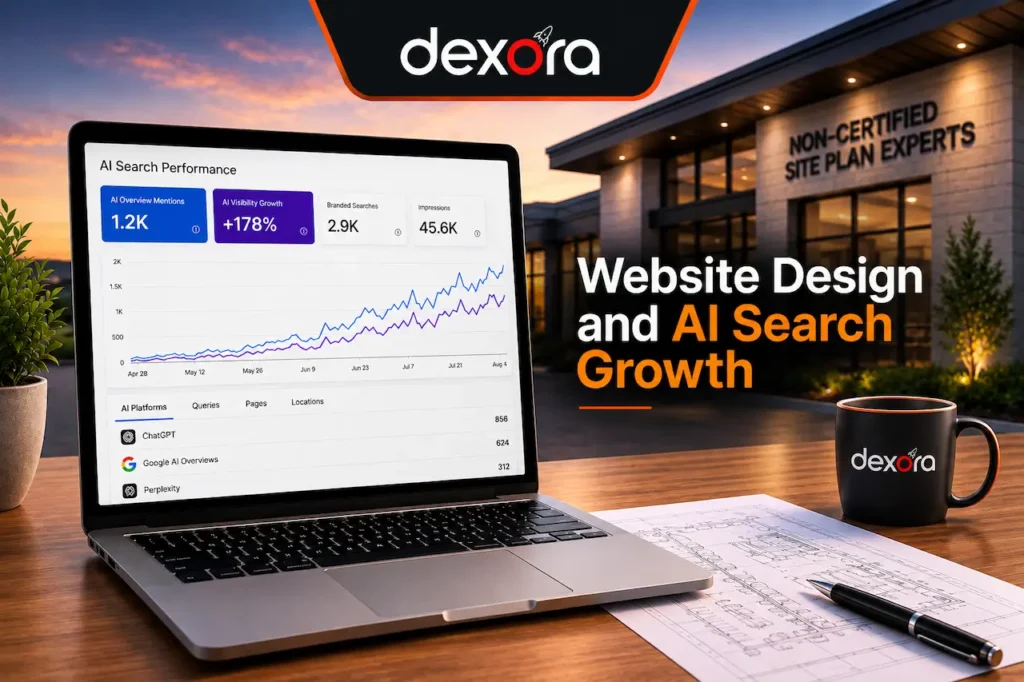
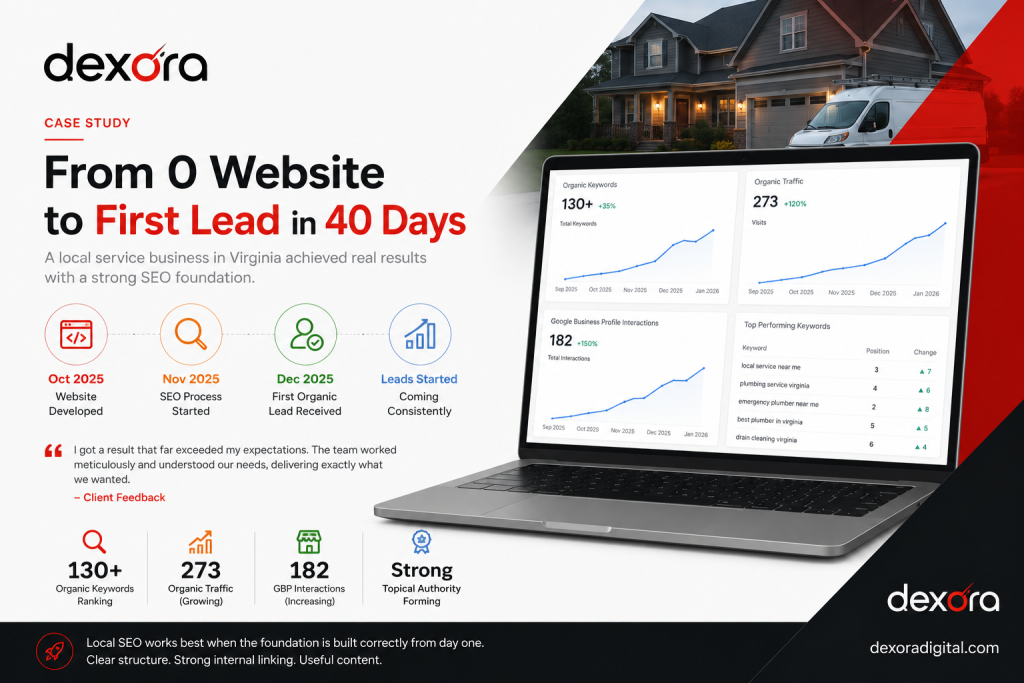
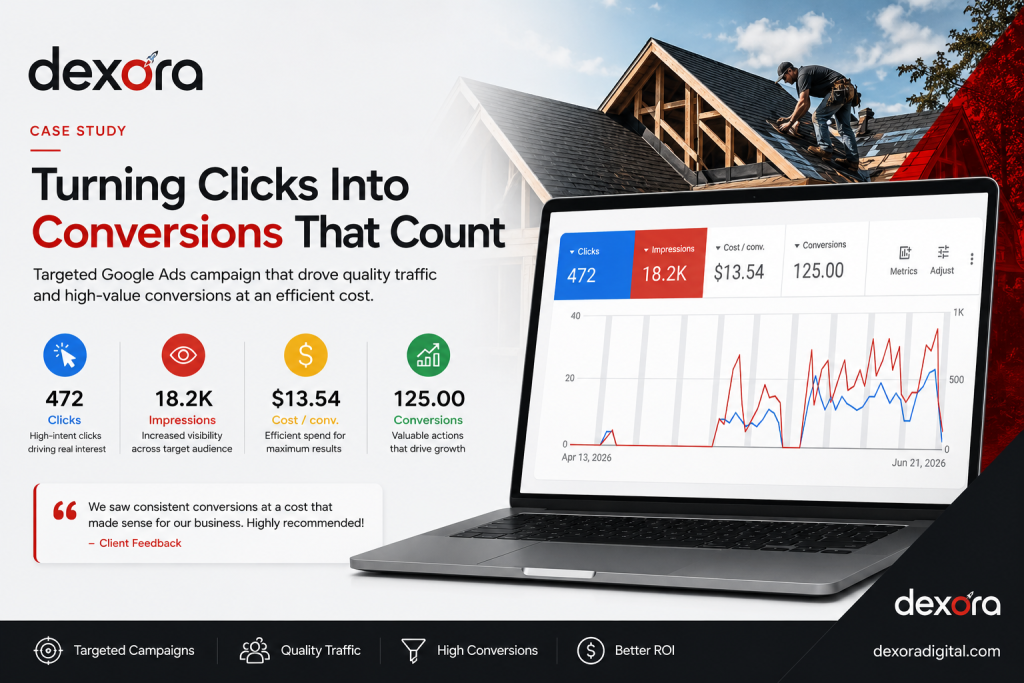
Automation works best behind a website and ad funnel that already brings leads. Here are some we built.
Platforms, pricing, reliability, ownership and AI.

 Dexora DigitalTaqweem Ahmad & team · 20 experts
Ask me anything about SEO, Google Maps, getting found in ChatGPT, websites, pricing or our results. I reply in seconds, and Taqweem follows up personally.